
Manually archiving and unarchiving documents
The Library Archive is the area in FileHold where documents that are no longer in use, but still need to be kept for historical record

The Library Archive is the area in FileHold where documents that are no longer in use, but still need to be kept for historical record

You are able to email documents from the document management system. When sending files from the document management system, it is important to send the

The metadata pane displays the document type and its associated metadata as well as system values in the version properties area. The metadata and version

Document Notifications are a simple way for users to be alerted of a document that will require attention in the future. For example users can
You can export all documents from a cabinet, drawer, folder groups, folders, or search results using the Export option. You can also export one or
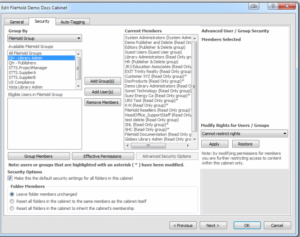
Only Library Administrators, Senior Library Administrators, and System Administrators can create cabinets. Cabinets can be owned by a user or a group that has Cabinet
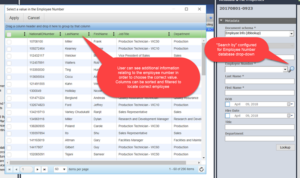
Database managed dropdown menus are used in situations where values for the menu are stored and managed outside of FileHold. For example, a list of

All files in FileHold software are stored under the library icon (root folder) shown in the file structure located on the left hand side of

The FileHold Desktop Application’s (FDA) Inbox is designed to streamline the importing of many documents into the library by removing the bottlenecks associated when adding
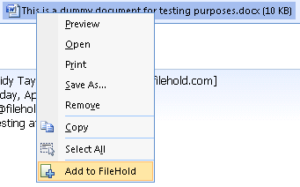
Users can save entire emails, including attachments or save just the attachment without the email. Emails can be added to the library using a variety
